
Buy a Number
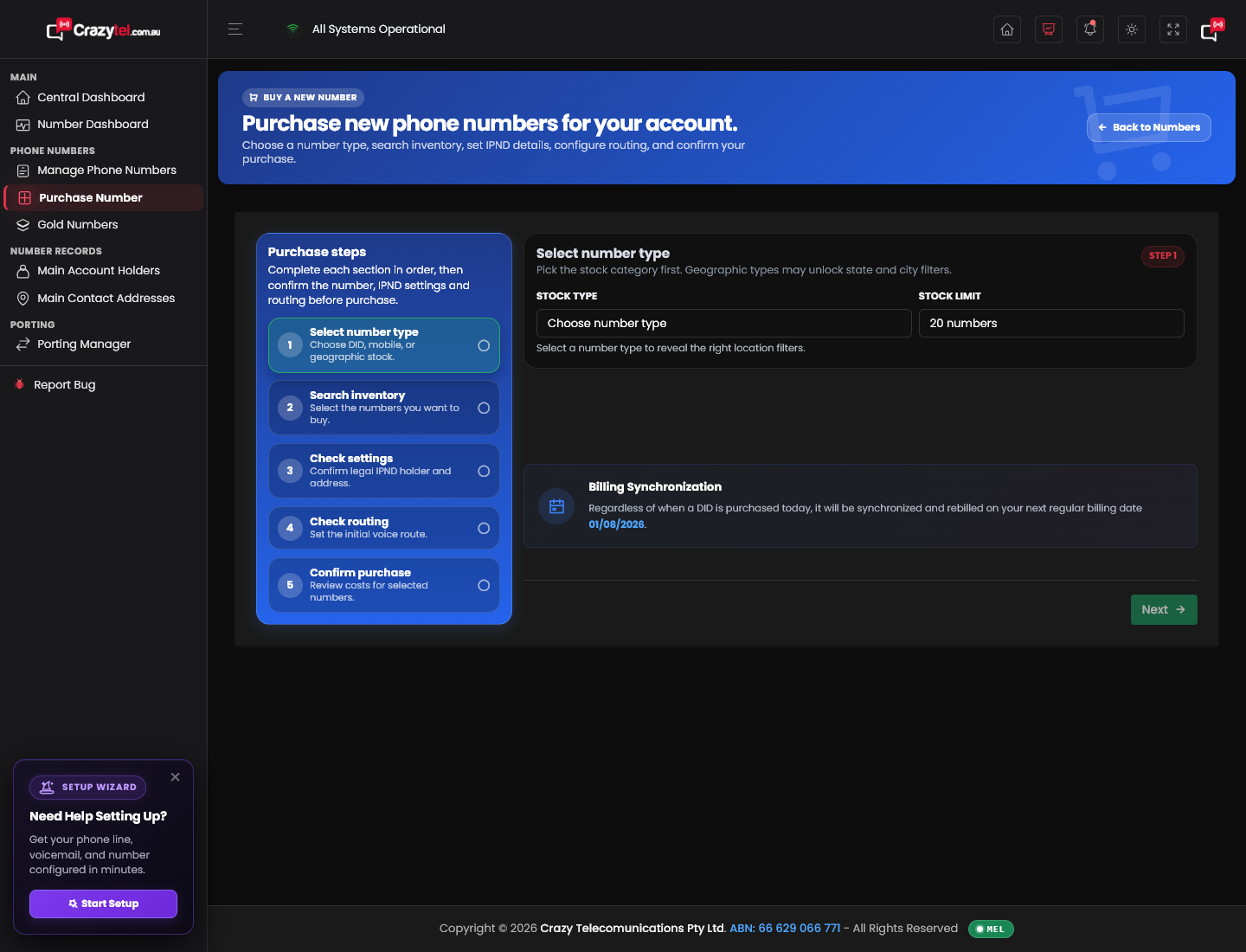
Use Purchase Number to choose a new Crazytel number, confirm the legal IPND details, set the first call route, and complete the purchase.
Before you start
Make sure the correct Main Account Holder and Main Contact Address are already saved on the account. These details are used for the Government IPND record and emergency services lookup.
Step log
- Sign in to the Crazytel MyAccount portal.
- Open Number Management > Purchase Number.
- Under Stock Type, choose the type of number to buy:
- National Australian Numbers
- Virtual Mobile Numbers
- 1300 Numbers
- 1800 Numbers
- National New Zealand Numbers
- Choose the Stock Limit to control how many available numbers are shown.
- For geographic numbers, choose the State / region and City or suburb if required.
- Click Search inventory.
- Select the number or numbers you want to buy, then click Next.
- Check the Main Account Holder Name and Main Contact Address.
- Choose the Initial voice route for the new number.
- Enter the Route destination if the selected route requires one.
- Review the selected number, setup details, monthly cost, and billing synchronisation date.
- Click Confirm purchase only when you are ready to buy the number.
Important
Confirm purchase buys the selected number and will bill the account. If the IPND details, routing, or cost do not look right, go back and fix them before confirming.